
Order and delivery notifications in Libourne
Tell customers what actually happened to their order. An event in the ordering or delivery tool triggers the appropriate message and leaves a trace the service team can look up.
Remote delivery · work with me by email
Show my order updates
A scenario to test in Libourne
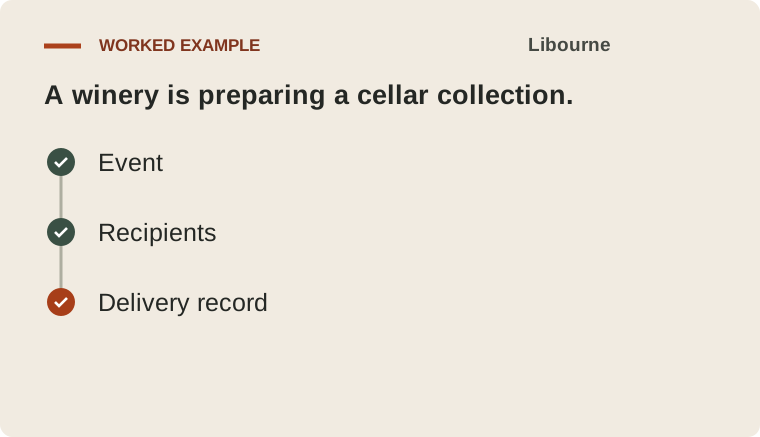
A winery is preparing a cellar collection. The buyer gets the agreed collection time when the cases are ready. Compare a case order with a request for individual items. The buyer view and pick list should show equivalent quantities.

What the pilot covers
I connect one order event to a message template and recipient list. We test an invalid address, a corrected event and a retry without duplicate notifications.
What you take away
The first deliverable is event-triggered messages and a delivery log. Your team can look up each notification by order number and see when the event was recorded and whether the message was delivered.
One detail to check in your tools
Order tracking should distinguish a line, a parcel and the whole order. Each delivery notification tells the recipient exactly what changed.
How to check the result
Replaying the same event leaves one customer notification and preserves its delivery result. Compare before and after the pilot using manual status enquiries and failed messages.
Client perspectives on their projects
These recommendations describe other projects delivered by AI7.
“Our business customers can adjust their quantities right up to the cut-off.”
“We receive the visitor’s contact details and question in a single email and can reply directly.”
Frequently asked questions
Can staff and customers get different updates?
Yes. One event can send a customer update and an internal alert with different contents and access rules. We test each separately.
How do you handle a partial delivery?
Each shipment has its own status. The message lists what arrived and what is outstanding, and we check that the next dispatch does not repeat the previous notification.
How do we start and when can we test the first version?
Start with a short written brief. For one well-defined workflow I usually aim for a first test in three to five working days after we agree the examples and access. I estimate the production rollout separately.
Show my order updates
Describe a status update your customers regularly ask for. You’ll receive a personal link to an online brief for this service. We agree the scope and budget before work starts.
Preview the project brief
- Which event should trigger the message?
- Who needs the update and on which channel?
- What should the team do if a message fails or a status changes?